
02 · Dealer Branding
Remove the old branding. Put yours back on top.
Trade-ins and auction units arrive wearing someone else's name. CarStage.AI removes existing dealer branding before restaging, then applies your own as a foreground image that sits above the vehicle and the new background.
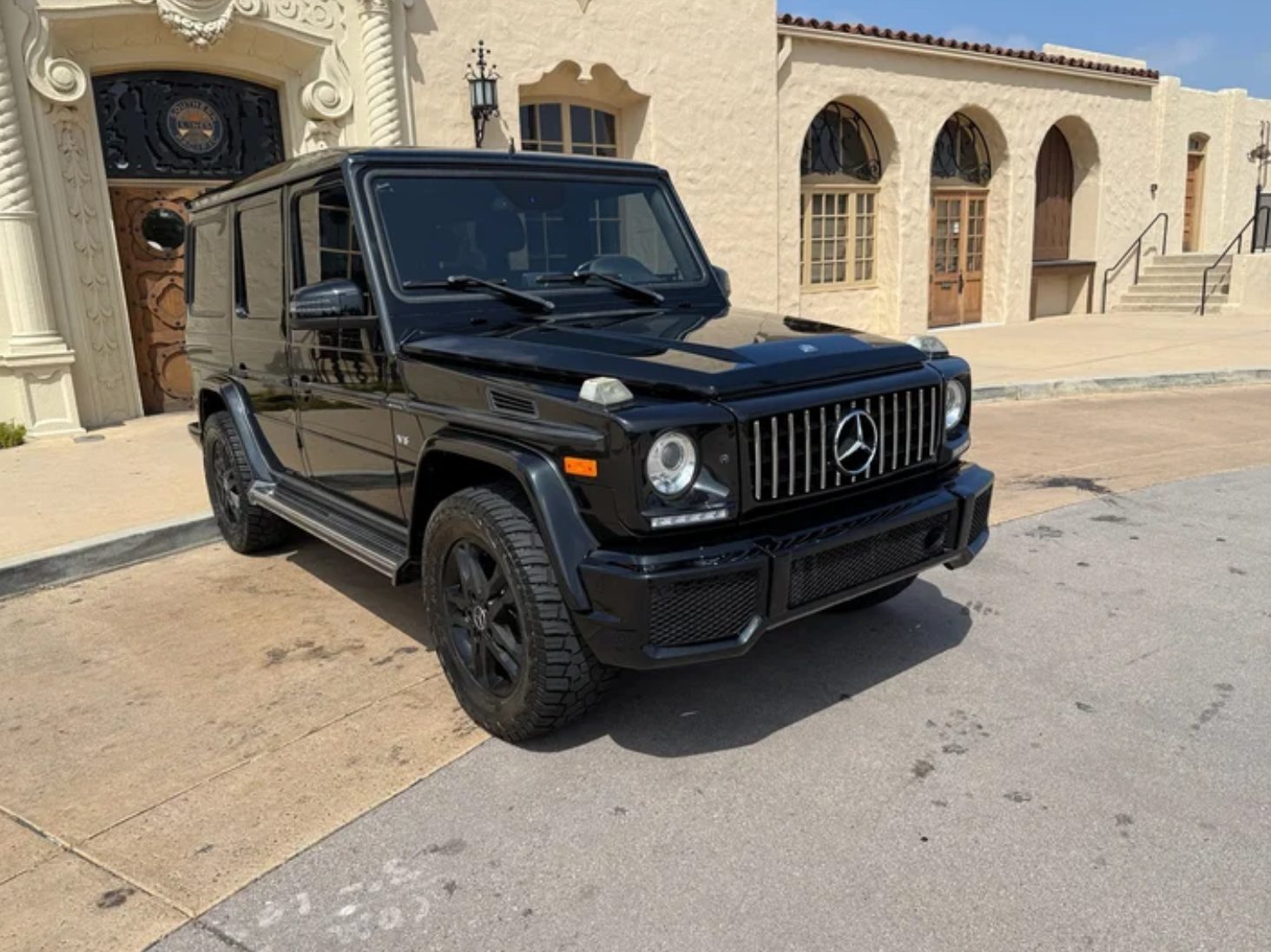
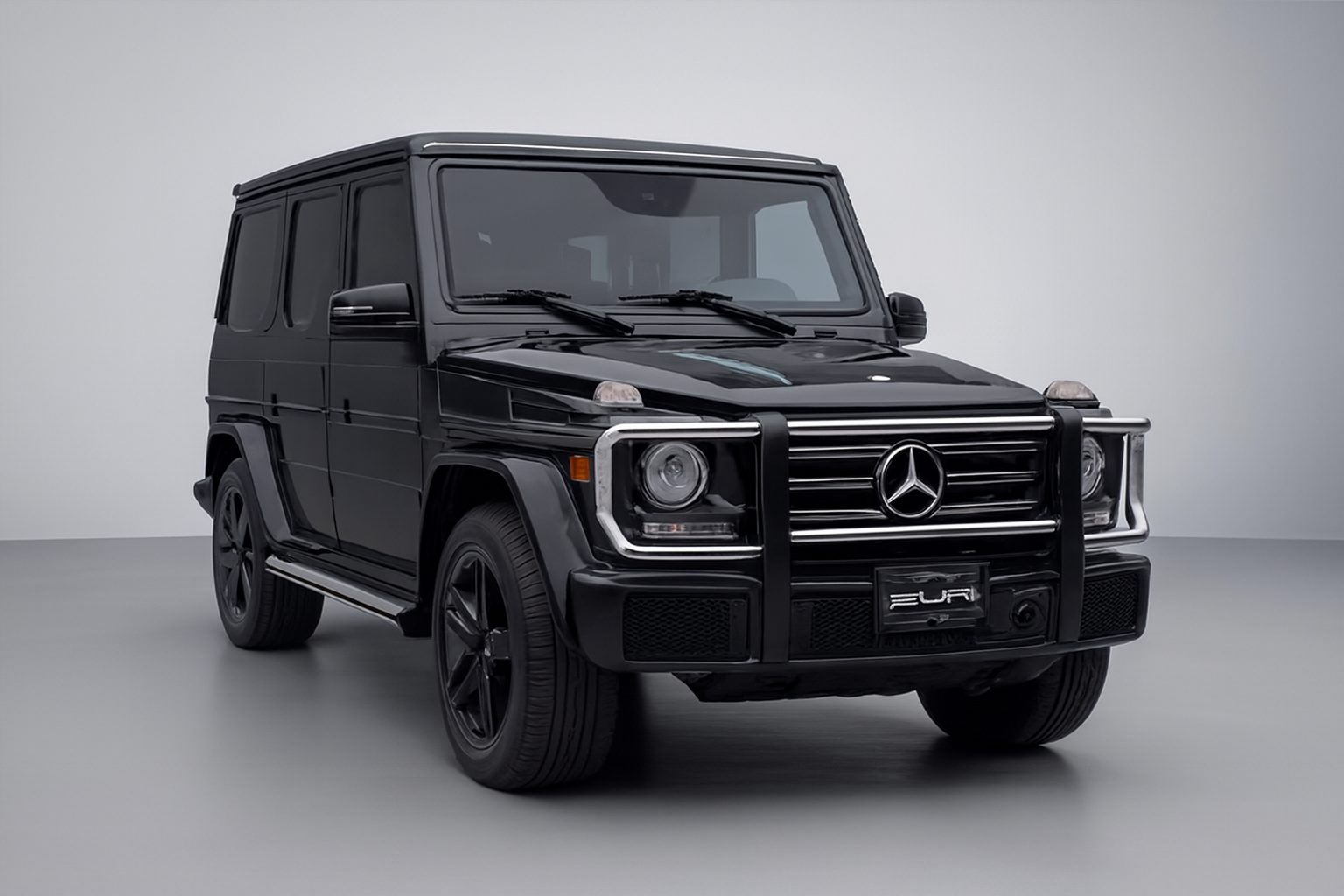
Every photo, three layers.
Because branding lives on its own layer, you can swap a background, update a promotion or change a logo without re-editing the car.
03
Foreground · your brandingLogo, plate frame or promo banner, placed the same way on every photo.
02
VehicleThe car itself, cleaned of any previous dealer branding.
01
BackgroundAny scene from the library, or your own custom setting.
Remove. Restage. Reapply.
01RemovePrevious dealer logos, plate frames and window decals are taken off the vehicle.
02RestageThe clean vehicle is placed on the background of your choice.
03ReapplyUpload your branding once as a foreground image; it is applied on top of every photo.